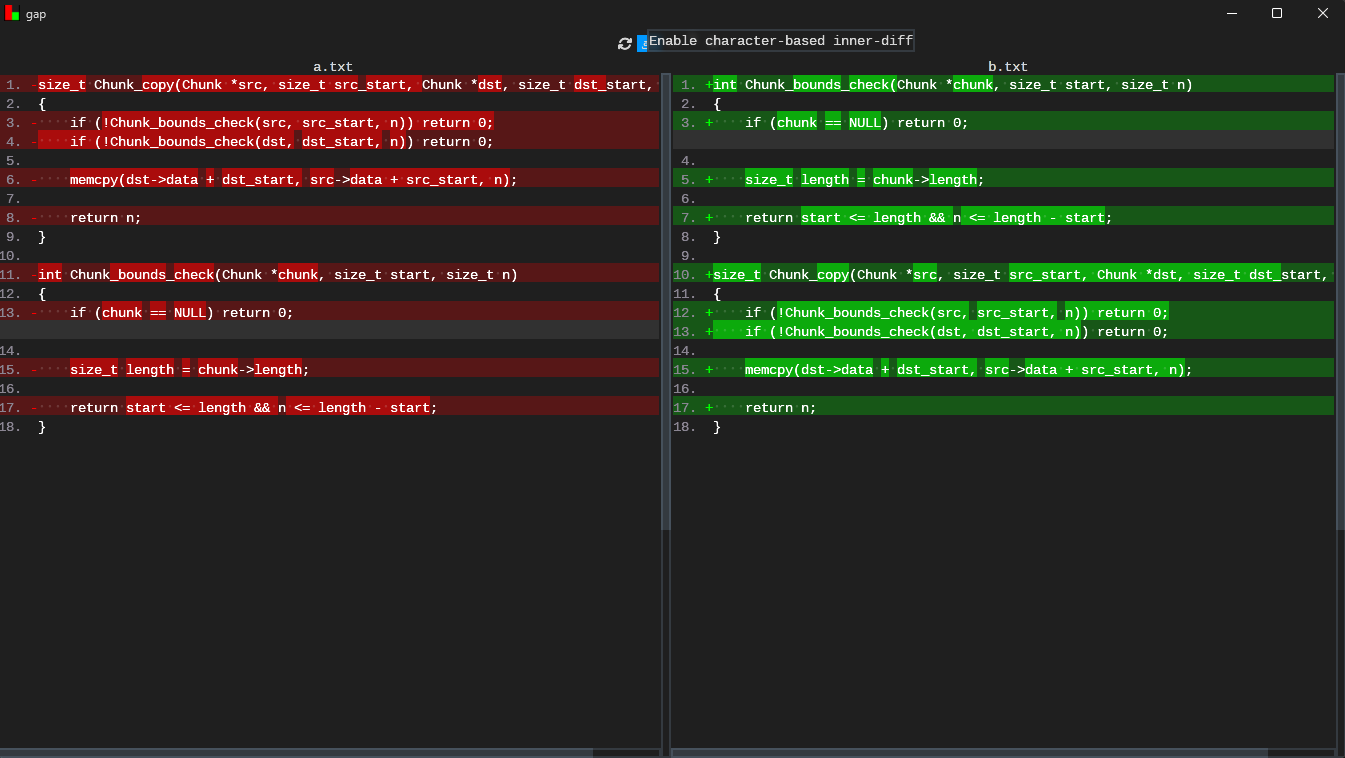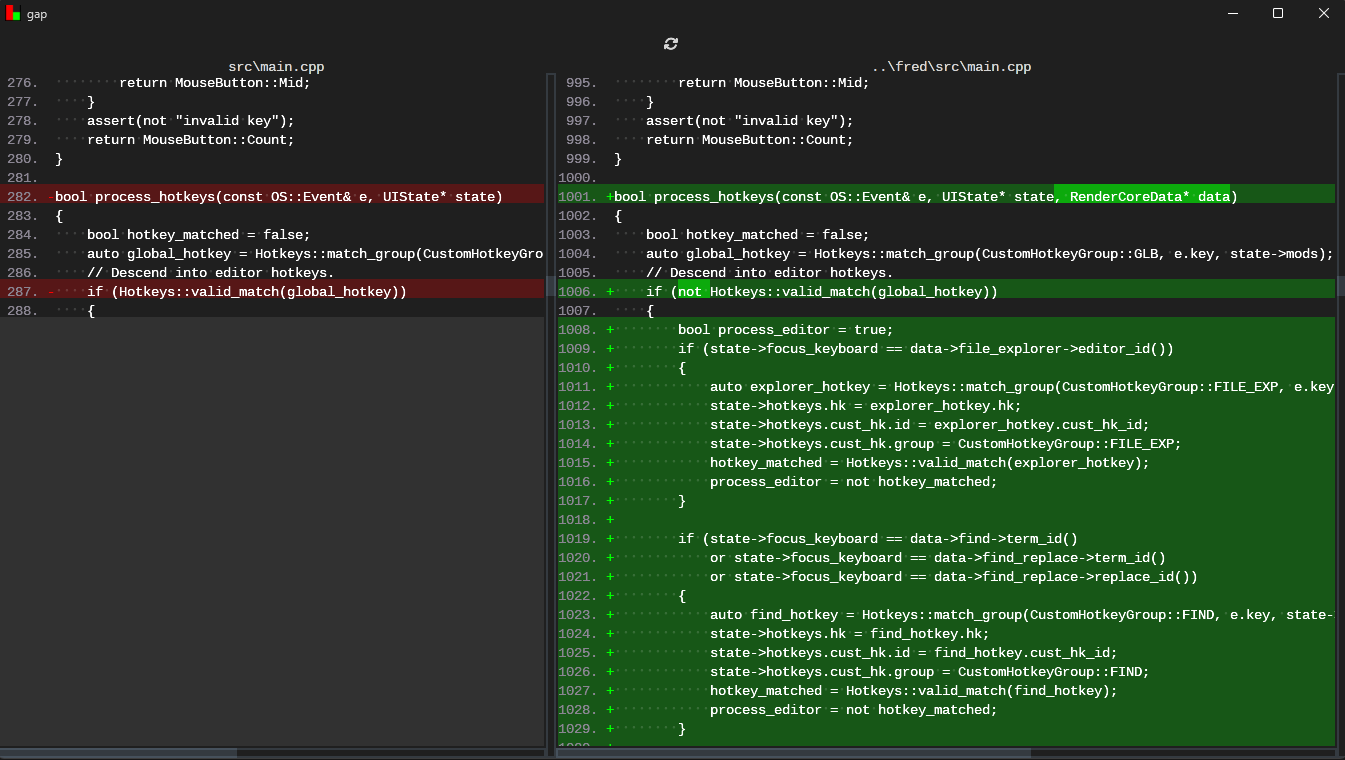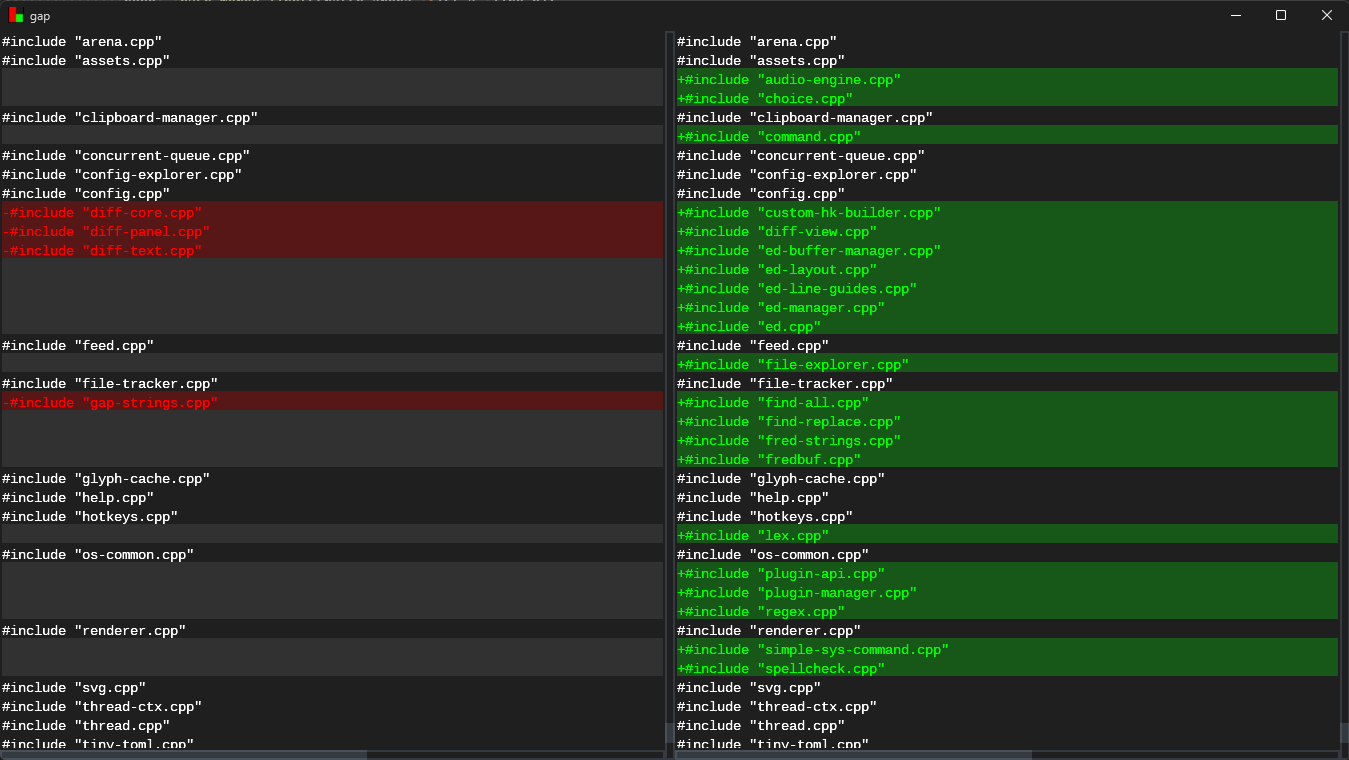
My little diff viewer &gap is starting to take shape!!
I have been struggling for a long time trying to figure out what makes a good plugin system for editors. I've experimented with compiled plugins that are loaded via a DLL interface. I've experimented with interpreted languages (e.g. Lua). I've even experimented with trying to compose editor commands via key chords alone. Of all the systems, I came to a realization: A good plugin system requires a compiler. Adding to that, a good plugin system in an editor must ship with a builtin compiler to reduce as much friction as possible.
With the above in mind, I think I chose an insane, but fun path: ship my editor with a C compiler. We all love C, and it's the language with the largest possible surface area for interop with everything else on the system. As such, I now ship my editor, fred, with TCC that generates an executable code page for the editor to hook into for plugin building!
I can't explain it better than this: https://www.youtube.com/watch?v=bqU7ghs9ou0 .
It's actually crazy how much you miss something until you don't have it anymore. I spent a day implementing line guides in my editor because I realized how much I relied on their visual nuance in VSCode. It's actually a really interesting problem to implement these because they're effectively regions of code guided by some user-defined indentation specification. It's actually a perfect fit for interval trees! Which is what I used here to implement them.
A text editor which can edit text is really useful. But an editor that can interact more intimately with the system means it can replace entire tools for me. In this case, I found myself going to the terminal to execute commands, edit some text with my editor, then tab back to exeucte some more commands. What if I could just do both from in the editor? That's what inspired me to create the command executor window in my editor. From there I can run... anything! The outputs are piped to separate displays so I don't get the problem of stderr and stdout mixing together, making errors more difficult to see and all wrapped in a very nice async IO system.
I spent a lot of time this weekend reworking the way panels work in my editor. It always bothered me that I could only split panels in one direction, it dramatically limited the number of ways I could view text. This past weekend I went through the effort of making a proper panel tree which could be infinitely sub-divided, combined, and split.
I suck at typing/remembering names of things. I rely on IntelliSense quite a bit, and I've wanted to bring a similar experience to my editor for a long time. Now I finally have a framework to do that! Here, I do the dumbest thing possible: collect up all words which look like identifiers and throw them up as a suggestion, but the most important thing is reusing my fuzzy matching algorithm to quickly filter through them in real time. Even on large million-line files this filtering seems to be fast enough! It also has a config option to disable it if necessary. Eventually I want the editor to have more code smartness to offer up suggestions based on context. That's a tomorrow problem though 🙂.
This is something I've been designing and working on the past few days. I have recently become frustrated with navigating the TOML config in my text editor. There are simply too many options now, I never remember their names, and I feel like toggling something should just be easy. I have a couple keybinds to accommodate common things, such as enabling/disabling line numbers, but I wanted something a bit more uniform and expressive. I finally came to the conclusion that I needed something like VSCode's UI options, because I like it. My new config explorer is filterable, you can easily toggle things, and I finally have a color picker!